1. Enrolment creation
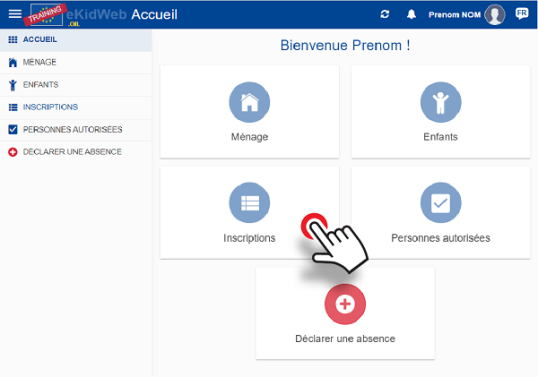
Start from the homepage: click on "Enrolments" to begin
2. Enrolment encoding
Click "+" to encode an enrolment

Click to choose the desired enrolment campaign and click "Confirm".
3. Attendance
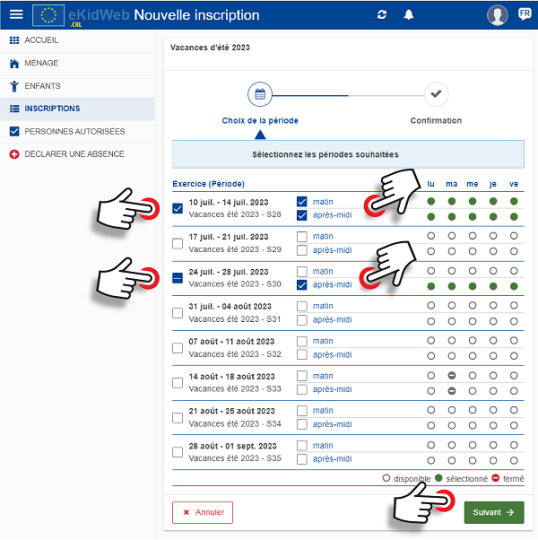
- Click to choose the desired weeks
- Click to choose the desired attendance mode (morning+meal, afternoon, or full day).
- Click "Next"
4. Confirmation
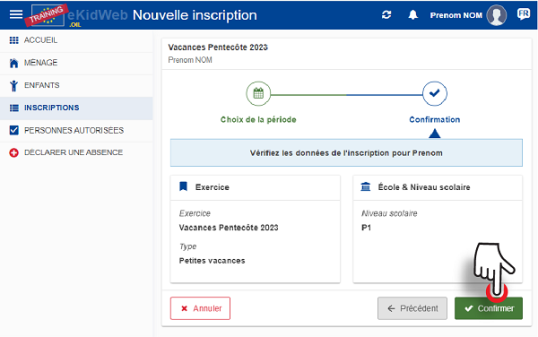
- Verify the information
- Click "Confirm"
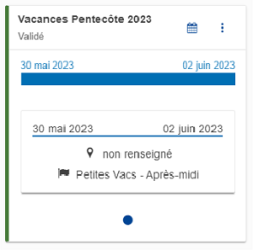
5. Enrolment validated
- The enrolment is automatically validated.